The Million Minds Tech City gallery brings together artist impressions, plan images and views of planned spaces. It helps you picture the campus, the office interiors and the green areas before you visit.
All images are for representation only and show the planned design, not the final built result. Scroll through the sets below and use the buttons to request more images.
Campus and Tower Views
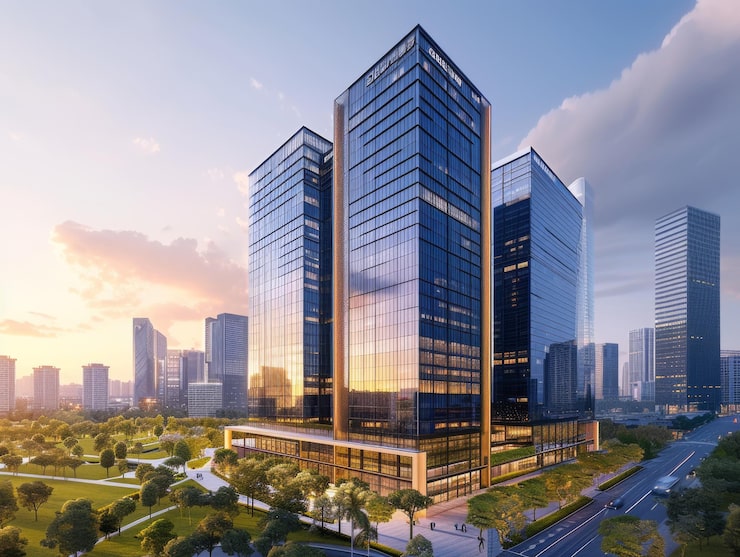
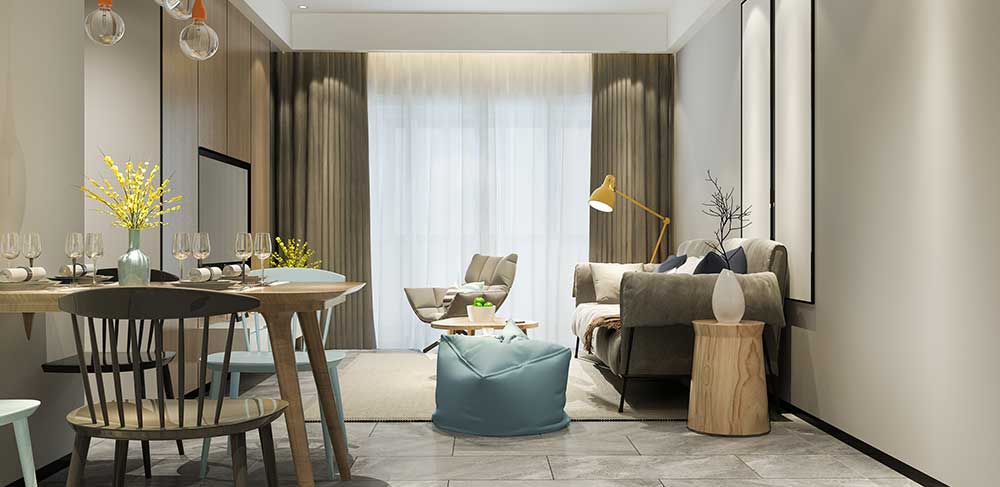
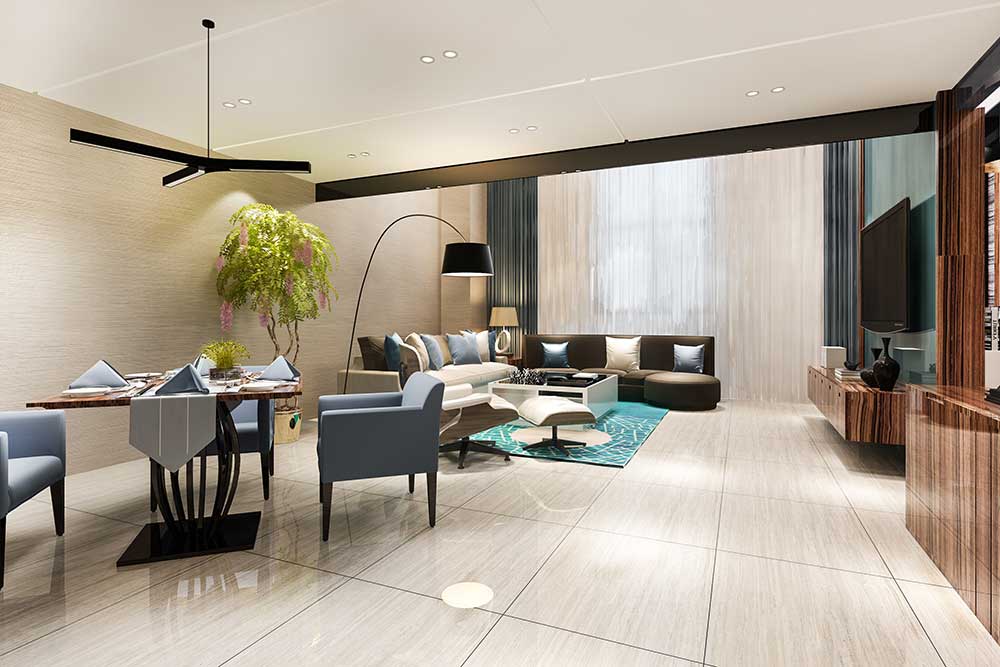
These views show the overall design idea: modern towers, landscaped surroundings and open walkways.
Office and Workspace Impressions
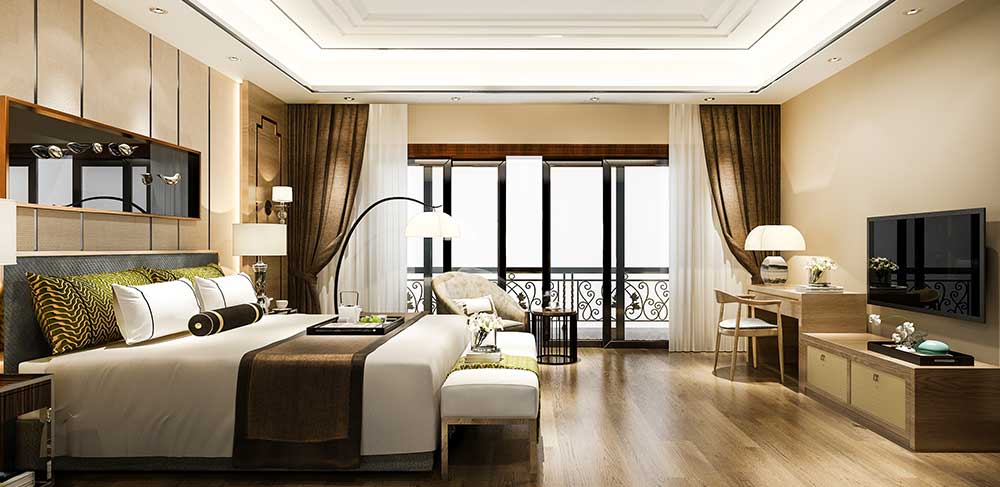
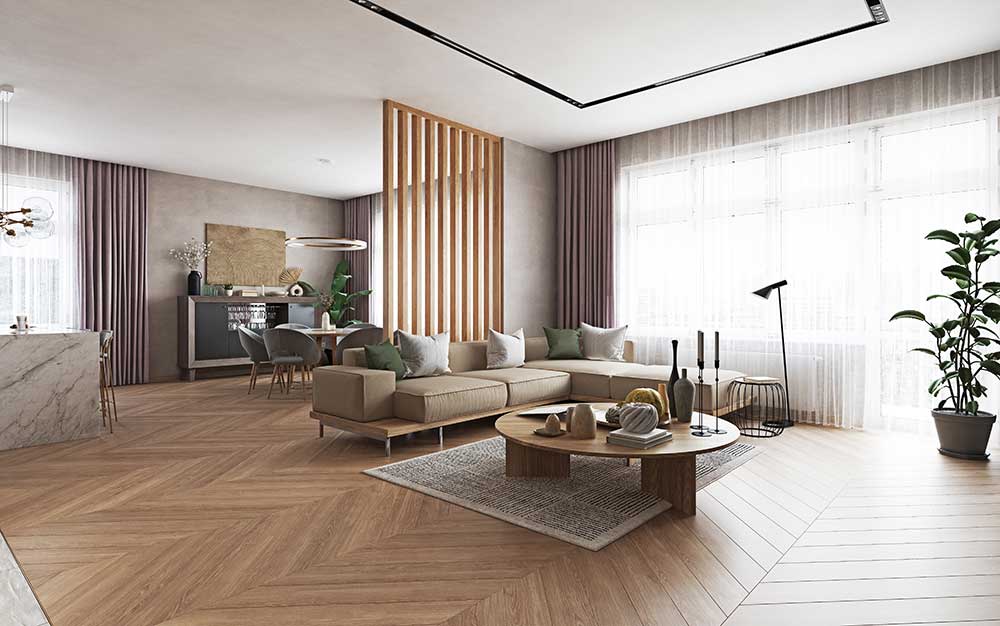

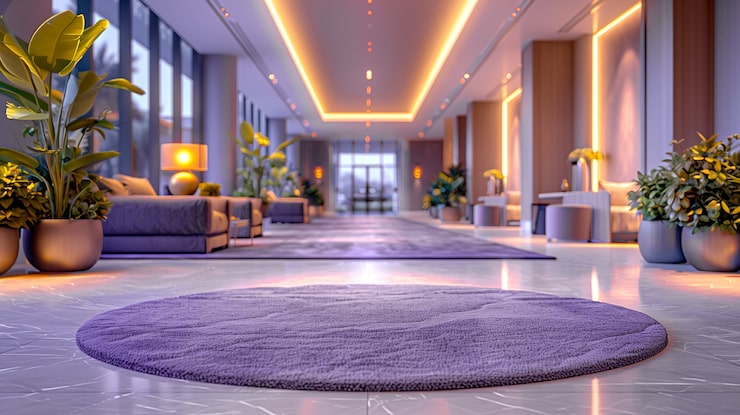
Office impressions show how open floors, natural light and green views can come together in the interior.
Request More Images and Videos
Share your details and the sales team will call you back with current information for your requirement.
Plans and Layouts
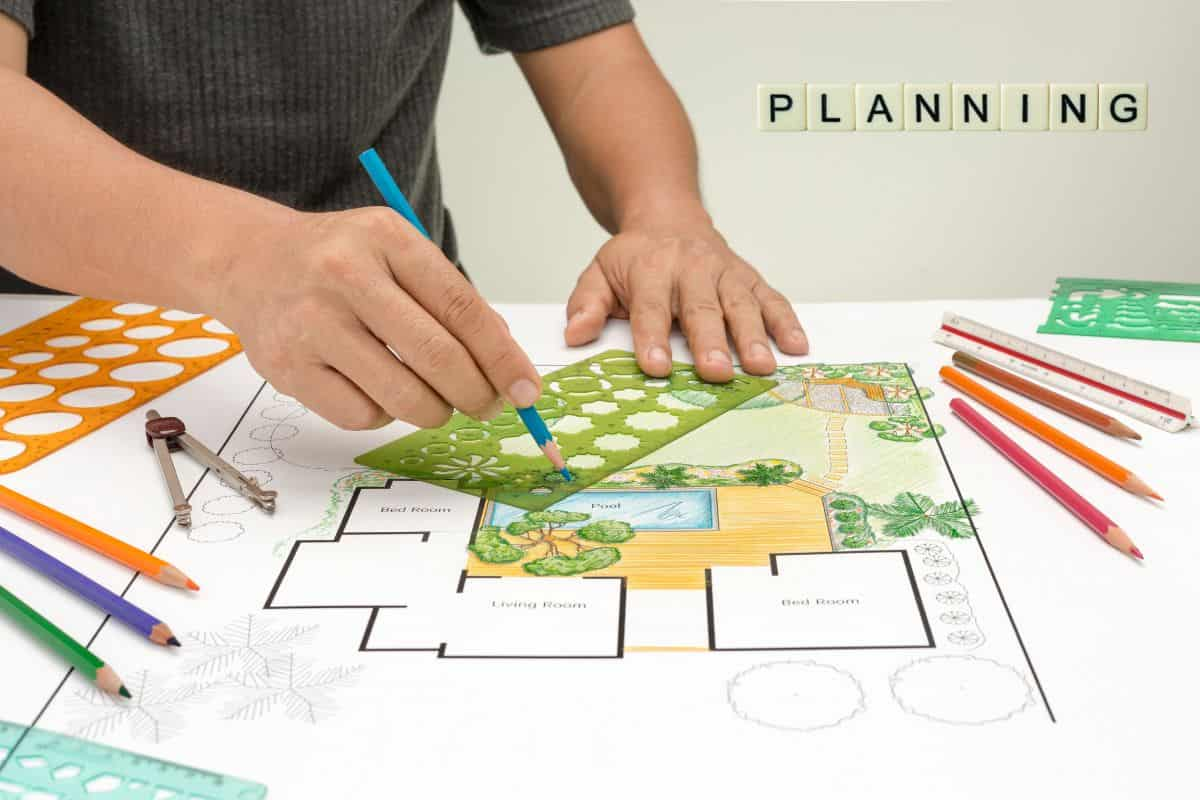
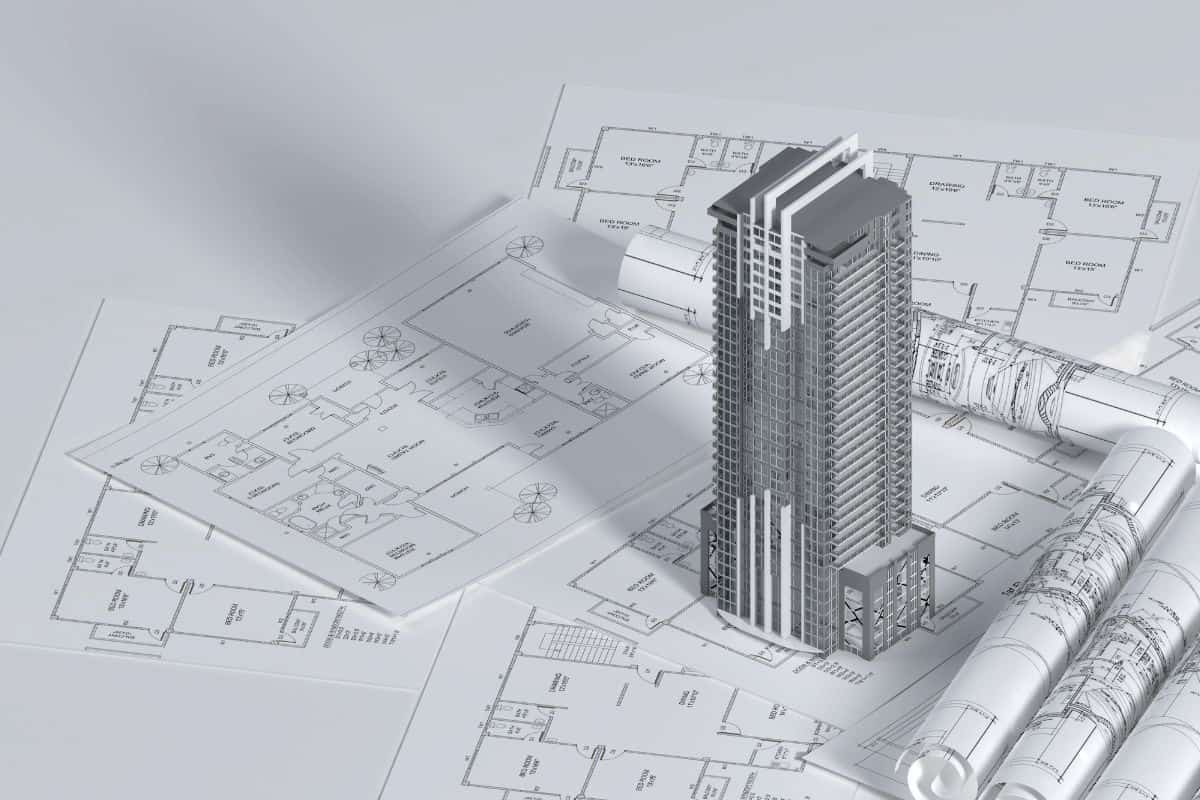
For the plans in full detail and context, read the master plan page and then ask the team for the full-size drawings.
How to Use the Gallery
Treat images as a guide to mood and scale. Use them to brief your leadership team, your interior designer and your HR team about the kind of environment you may get. Then compare them with what you see on site.
- Look at the amount of daylight and greenery shown.
- Notice how people move between buildings.
- Check the scale of lobbies and common areas.
- Compare images across phases when they become available.
Amenity and Lifestyle Visuals
The campus plans a clubhouse, gym, pool, gardens, tracks and play areas. Visuals of these are shared by the developer as they become ready. Read the full list on the amenities page.
Photos of Progress
As phases advance, real photographs replace artist impressions. For site photos and drone views, see the construction status page and ask the team for the latest set.
How Visuals Help Decision Making
A picture can answer questions that text does not. Teams use images to decide on layout style, brand fit and the general feel of the campus. Share the gallery with the people involved in your decision, collect their reactions and bring them to the next call.
- Do the views match your company's image?
- Is there enough greenery for staff breaks?
- Do the lobbies feel welcoming for guests?
- Are the interiors flexible for your plans?
Looking Beyond the Artist Impression
Artist impressions are drawn to look their best. To judge fairly, compare them with photographs of completed buildings and with site visits. Ask the team for real photographs of the same views whenever they are available. Over time, these will replace the impressions on this page.
Checklist for Your Next Site Visit After Viewing Images
- Compare the views in the gallery with what you can see on site.
- Photograph the same angles to build your own record.
- Note differences in landscaping and finish.
- Ask the team why any differences exist.
- Update your notes after each visit.
Request More Images
If you want high-resolution images, walkthrough videos or a presentation for your board, tell the team. They will send what is available. You can also download the brochure for a complete document.
The team at Million Minds Tech City can also arrange a visit so you can see the campus yourself.
Request More Images and Videos
Common Questions About Million Minds Tech City Gallery
Most images are artist impressions. Real photos are added as construction progresses.
Ask the team for permission and the right files.
Ask the sales team for videos when you enquire.
Designs may change. Images are for representation only.
Plan Your Visit to Million Minds Tech City
Tell us what you are looking for and we will connect you with someone who can help, without any pressure.